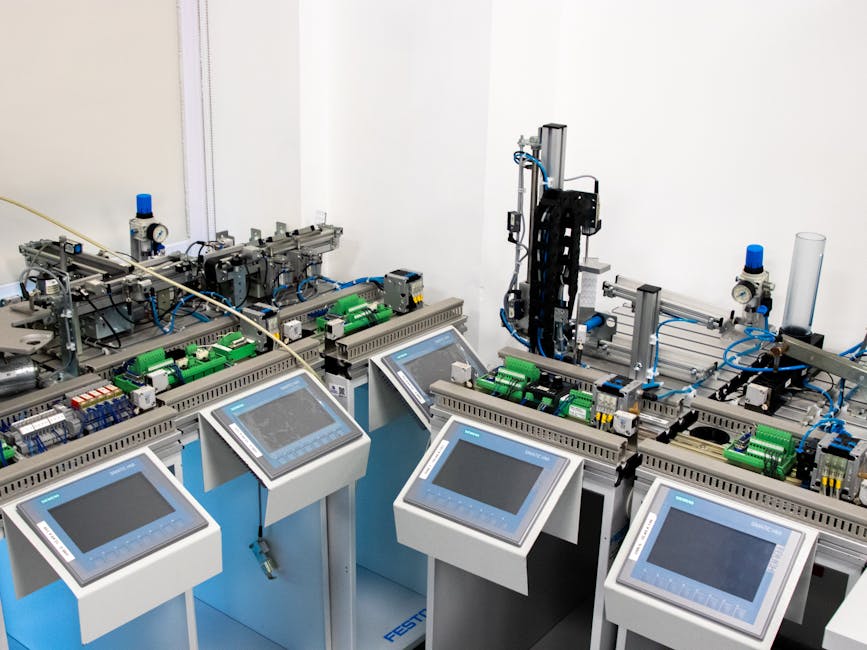
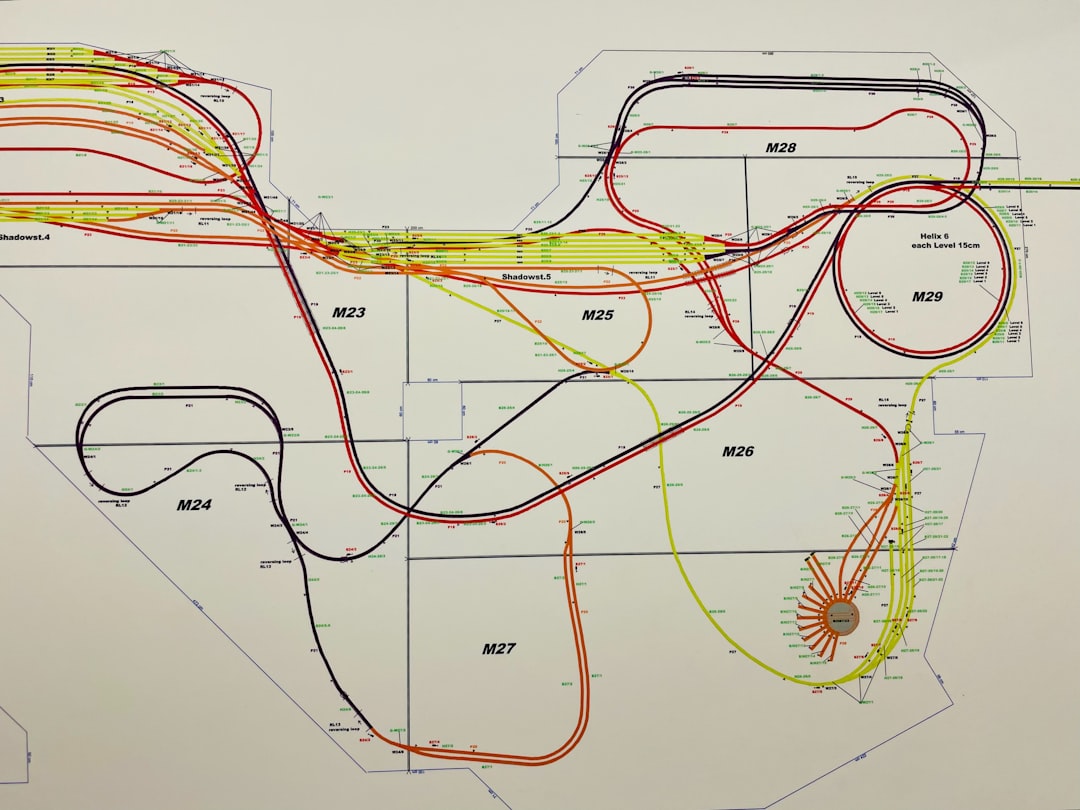
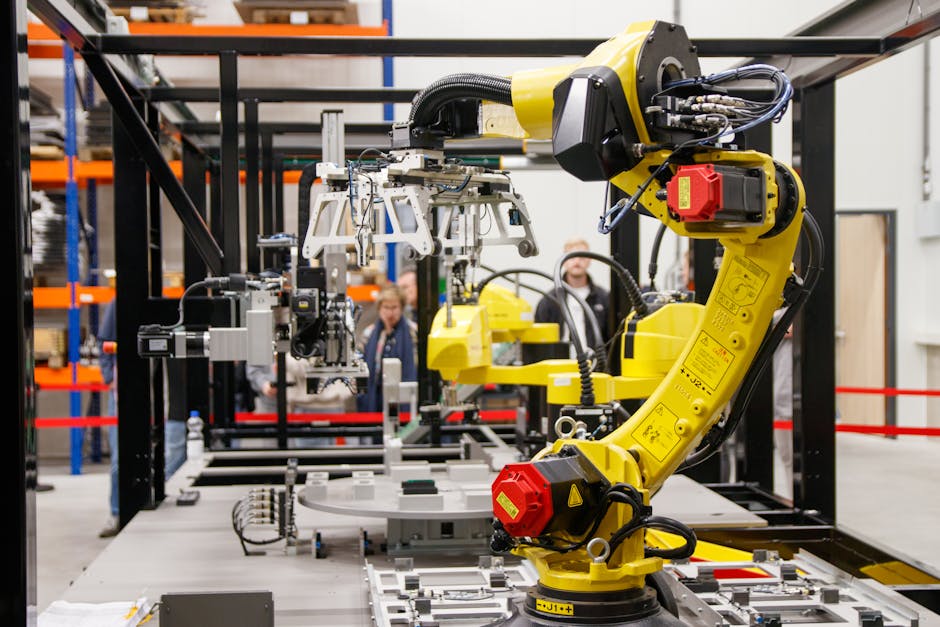
Let me paint a picture that any plant engineer will recognize immediately. It’s 2:47 AM, and the phone rings. A production line in your facility has gone silent — not because of a power outage, but because a Programmable Logic Controller (PLC) quietly threw an error code that nobody caught in time. By morning, you’re looking at hours of unplanned downtime, a frustrated operations team, and a maintenance cost that could have been a fraction of what it turned out to be. Sound familiar?
The truth is, industrial PLCs are incredibly robust — some units from Siemens, Allen-Bradley, or Mitsubishi Electric are still running after 20+ years of continuous operation. But “robust” doesn’t mean “invincible.” And in 2026, as smart factories and IIoT (Industrial Internet of Things) integration become the norm rather than the exception, understanding how to proactively diagnose and maintain your PLCs isn’t just a technical skill — it’s a competitive advantage.
Let’s think through this together, from the ground up.
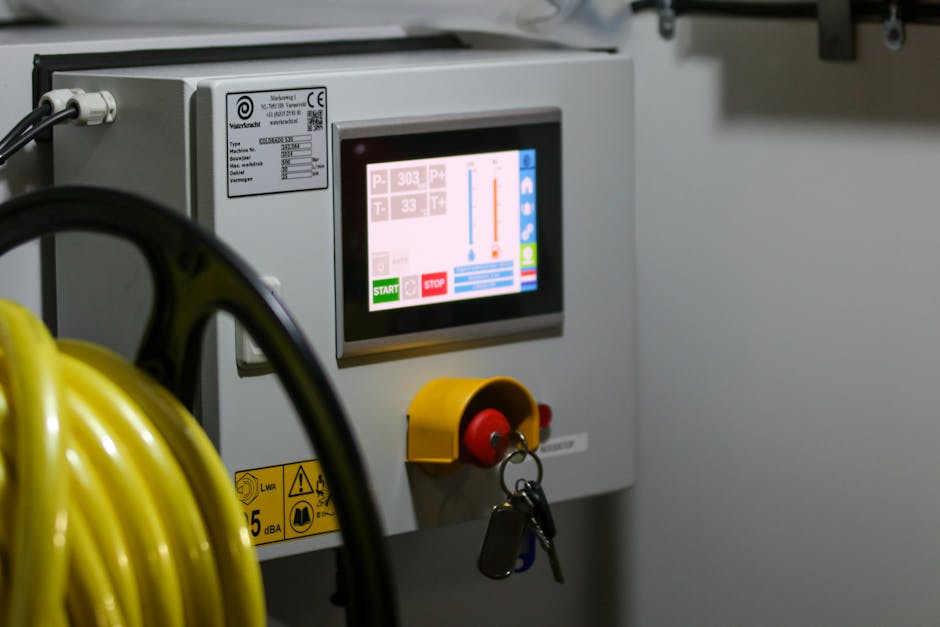
What Actually Goes Wrong with PLCs? (And More Often Than You’d Think)
Before we can talk about prevention, we need to understand failure modes. PLCs don’t usually fail catastrophically — they degrade. Here’s what the data tells us about the most common culprits:
- Power Supply Failures (~30–35% of cases): Voltage fluctuations, aging capacitors, and poor grounding are the leading causes. A power supply that’s operating outside its rated tolerance by even 5–10% can corrupt memory registers silently over time.
- I/O Module Degradation (~25%): Input/output modules take the most punishment — they’re directly interfacing with sensors, actuators, and field devices. Moisture ingress, vibration fatigue, and electrical surges all take their toll here.
- Communication Failures (~20%): With Profibus, EtherNet/IP, Modbus, and PROFINET all running simultaneously in modern facilities, network collisions, cable degradation, and firmware mismatches are increasingly common issues.
- CPU/Memory Issues (~15%): Firmware corruption, RAM bit-flip errors (especially in high-radiation environments like steel mills), and battery backup failures that wipe retentive memory during power cycles.
- Environmental Factors (~10%): Heat buildup inside enclosures, condensation during temperature cycling, and dust accumulation on cooling vents are slow killers that rarely get blamed until it’s too late.
The Diagnostic Toolkit: What You Actually Need in 2026
Diagnosing a PLC fault used to mean connecting a laptop, pulling up the ladder logic, and hunting for the red rung. That’s still valid — but it’s no longer sufficient on its own. Here’s how a layered diagnostic approach works in practice:
1. Real-Time Monitoring Dashboards: Platforms like Siemens TIA Portal with Condition Monitoring, Rockwell’s FactoryTalk Optix, or open-source solutions built on Node-RED and InfluxDB now allow you to track PLC CPU load, scan cycle times, and I/O state changes in real time. If your scan cycle time suddenly spikes from 8ms to 45ms, that’s a red flag worth investigating immediately — often before any fault code appears.
2. Historical Log Analysis: Most modern PLCs maintain internal diagnostic buffers. Siemens S7-1500 series, for example, stores up to 10,000 diagnostic events with timestamps. Reviewing these logs weekly — not just when something breaks — is one of the highest-ROI habits any maintenance team can develop.
3. Thermal Imaging: Using a FLIR or similar thermal camera on your control panels every quarter can reveal hot spots on terminal blocks, contactors, or power supplies long before they cause a failure. This is non-invasive, takes about 15 minutes per panel, and has saved facilities millions in unplanned downtime costs globally.
4. Signal Quality Testing: For analog I/O modules, use a calibrated loop calibrator (like the Fluke 709H) to inject known current/voltage signals and verify that the PLC is reading values within acceptable tolerance. A 4–20mA signal reading consistently at 4.3mA when it should be 4.0mA might seem trivial, but it can indicate cable resistance issues or module drift.
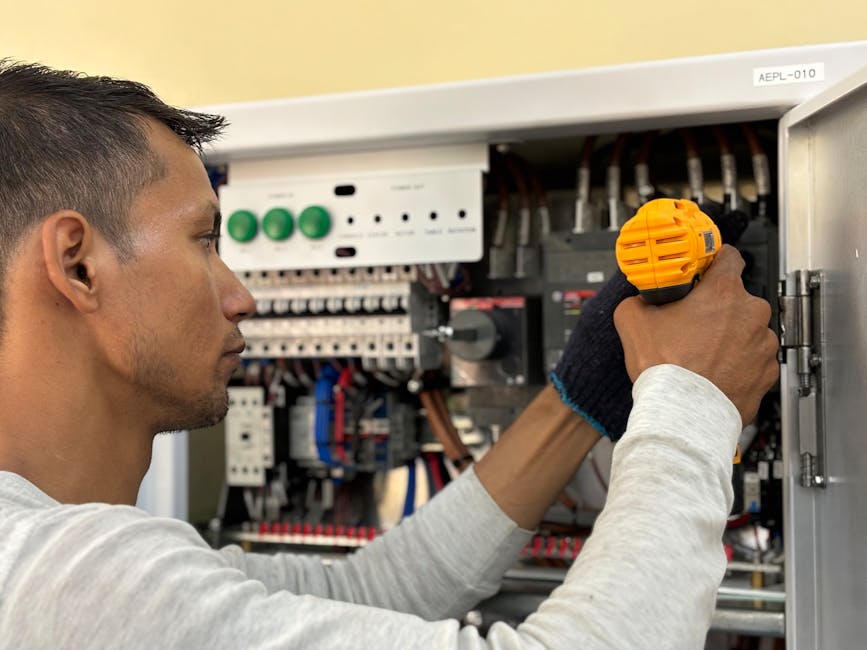
Real-World Examples: How Leading Manufacturers Handle This
Let’s look at how this plays out in actual industrial settings, because theory only takes us so far.
Case Study — Hyundai Motor’s Ulsan Plant (South Korea): One of the most automated automotive manufacturing facilities in the world, Hyundai’s Ulsan complex began integrating AI-assisted PLC health monitoring across its welding and assembly lines starting in 2024. By 2026, their reported unplanned PLC-related downtime has dropped by approximately 62% compared to 2023 baselines. Their approach? Every PLC in the facility streams diagnostic data to a central MES (Manufacturing Execution System) that uses anomaly detection algorithms to flag units showing early signs of I/O degradation or communication instability. Maintenance teams receive prioritized work orders — not alarms. That distinction matters enormously for workflow efficiency.
Case Study — Volkswagen’s Chattanooga Facility (USA): VW Chattanooga implemented a “PLC lifecycle management” protocol where every PLC is assigned a health score updated daily. Units scoring below 70% trigger a scheduled maintenance window during the next planned production stop — not an emergency shutdown. Their maintenance engineers report that this approach has reduced emergency call-outs by roughly 40% while actually extending average PLC service life beyond manufacturer-rated specifications through timely preventive interventions.
Case Study — Posco Steel (South Korea): In high-heat, high-vibration steel production environments, PLC failures carry enormous stakes. Posco partnered with Mitsubishi Electric to deploy iQ-R series PLCs with built-in self-diagnostics, while also establishing quarterly “PLC health audit” cycles. Critically, they maintain a standardized spare parts inventory — right-sized using 3 years of failure data — so that when a replacement is needed, it’s installed within one shift rather than waiting days for procurement.
Building a Preventive Maintenance Schedule That Actually Works
Here’s the honest truth: most PLC preventive maintenance programs fail not because of lack of intention, but because of lack of structure. Here’s a realistic tiered approach you can adapt to your facility:
- Weekly (15–20 minutes per system): Review internal diagnostic logs. Check CPU load trends. Verify communication status indicators. Note any analog values that appear to be drifting.
- Monthly (1–2 hours per panel): Inspect enclosure for dust, moisture, or pest ingress. Check cooling fan operation and filter cleanliness. Verify battery backup voltage on retentive memory modules. Test emergency stop and safety relay inputs.
- Quarterly (half-day per system): Thermal imaging of all panel components. Signal quality verification on critical analog I/O. Firmware version review and patch assessment (without auto-applying updates to production systems — always test in a staging environment first). Backup verification — confirm that your PLC program backups are current, readable, and stored off-site or in cloud.
- Annually (full-day per system): Full functional test of all I/O points. Replace electrolytic capacitors in power supplies if they’re approaching their rated lifespan (typically 10–15 years). Review end-of-life status for all installed hardware — Siemens, Rockwell, and Mitsubishi all publish EOL notices, and a PLC going obsolete while it’s still running is a supply chain risk, not just a technical one.
Realistic Alternatives When Full Modernization Isn’t Possible
Not every facility has the budget for a full IIoT-enabled PLC monitoring stack. And that’s okay — let’s be realistic about what’s achievable at different resource levels.
Budget-Constrained Option: Even without expensive monitoring software, you can implement a simple paper-based (or Excel-based) PLC health log. Document scan cycle times, error code occurrences, and I/O anomalies manually during daily shift handovers. It’s low-tech, but it creates the historical pattern awareness that makes proactive maintenance possible. Pair this with a basic preventive replacement schedule for known wear items (batteries, fan filters, fuses), and you’ll already be ahead of most reactive maintenance approaches.
Mid-Range Option: Many PLC manufacturers now offer cloud-connected diagnostic modules that retrofit onto existing hardware. Siemens’ S7-1500 TM MFP, for example, can be added to existing installations and enables remote monitoring without replacing the core PLC. At roughly $800–$2,000 per unit (depending on configuration), the ROI case is straightforward for any production line where an hour of downtime costs more than $5,000.
For Legacy Systems (Pre-2010 PLCs): The realistic advice here is to budget for modernization rather than infinite maintenance of obsolete hardware. Spare parts for Allen-Bradley SLC 500 or Siemens S5 series are becoming genuinely difficult to source reliably. If you’re running legacy PLCs on critical lines, a phased migration plan — even one that spans 3–5 years — is a more defensible strategy than hoping the current units outlast their supply chain.
The bottom line is this: PLC maintenance in 2026 isn’t about reacting to failures anymore. The tools, data, and methodologies exist to make most PLC failures predictable — and therefore preventable. The facilities that treat their PLCs as assets to be managed proactively, rather than components to be repaired reactively, are the ones staying competitive in an increasingly automated manufacturing landscape.
Start small if you need to. Pick one production line, implement the weekly log review habit, add a quarterly thermal imaging round, and verify your backups. Those three steps alone will change your relationship with PLC reliability more than any expensive software platform could on its own.
Editor’s Comment : One thing I’ve consistently observed talking with plant engineers across industries is that the biggest barrier to better PLC maintenance isn’t knowledge or budget — it’s the assumption that “it’s been fine so far, so it must be fine.” That assumption is precisely what makes the 2:47 AM phone call inevitable. The good news? Once you start treating PLC health as a measurable, trackable metric rather than a binary “working/broken” state, the whole maintenance culture in a facility tends to shift in genuinely positive ways. That cultural shift might be the most valuable outcome of all.
📚 관련된 다른 글도 읽어 보세요
- SCADA Systems in 2026: The Industrial Control Revolution You Can’t Afford to Ignore
- TypeScript 풀스택 프로젝트 구축 완벽 가이드 2026 — 혼자서도 끝낼 수 있는 실전 로드맵
- Building a TypeScript Full-Stack Project in 2026: The Complete Roadmap You Actually Need
태그: [‘industrial PLC maintenance’, ‘PLC fault diagnosis 2026’, ‘preventive maintenance automation’, ‘PLC troubleshooting guide’, ‘smart factory PLC monitoring’, ‘IIoT predictive maintenance’, ‘industrial automation reliability’]